
抗投诉服务器是什么意思
首先,一般的投诉指的是同行,或者购买你产品的人,以个人的形式通过ip投诉到机房,这属于一般投诉,下面



矢量数据库的前景( )
在人工智能领域,大量的数据需要有效的分析和处理。随着我们深入研究更高级的人工智能应用,如图像识别、语音搜索或推荐引擎,数据的性质变得更加复杂。这就是矢量数据库发挥作用的地方。与存储标量值的传统数据库不同,矢量数据库专门设计用于处理多维数据点(通常称为矢量)。这些向量表示多个维度的数据,可以被认为是指向空间中特定方向和大小的箭头。


前提:
我在前人将excel工具封装好的基础上,实现前端导出后端编写的excel表格接口,出现过很多问题。
先看前人的代码:
前端
handleExport() {
      const params = Object.assign({}, this.queryParams.value)
      this.download('/system/a/feedback/export', params,`feedback_${new Date().getTime()}.xlsx`)
},后端:
@PostMapping("/export")
public void export(HttpServletResponse response, QueryFeedbackDTO query) {
List<Feedback> list = feedbackService.selectFeedbackList(query);
ExcelUtil<Feedback> util = new ExcelUtil<Feedback>(Feedback.class);
util.exportExcel(response, list, "反馈数据");
}再看我出现的问题:


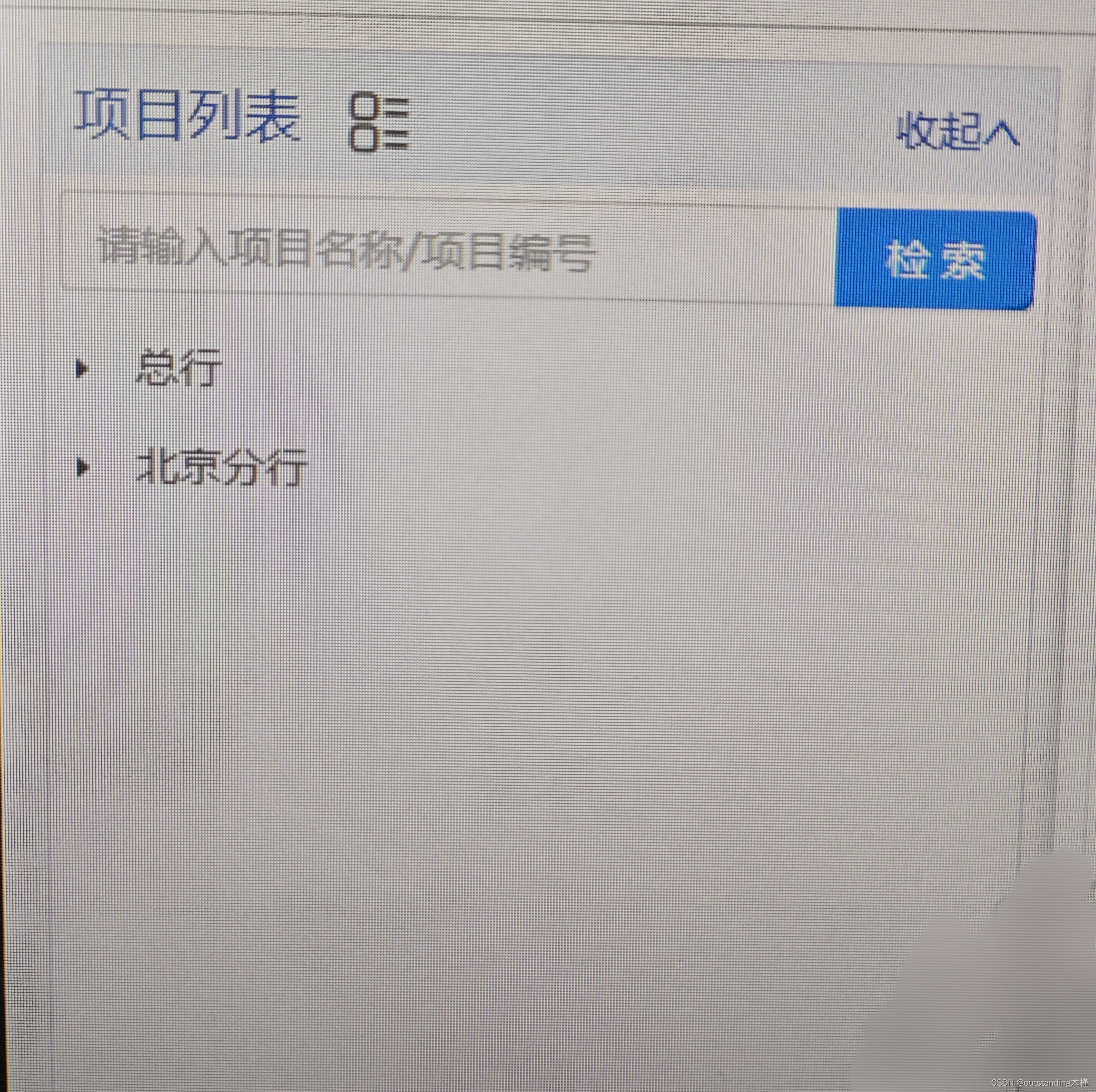
需求视图
import React, { Component } from 'react';
import { Form, Input, Tree } from 'antd';
const TreeNode=Tree.TreeNode;

const { Search } = Input;
const treeData = [
    {
        deptName: '总部',
        deptId: 'HQ001',
        children: [
            {
                proName: '金街大厦',
                proId: 'ea23sdf',
                children: [
                    { proName: 'ceshi', proId: '15478cc' },
                    { proName: '测试项目', proId: 'cvb25sa' },
                    { proName: 'xxceshiyi', proId: 'f95esc2' },
                ],
            },
            {
                proName: '金街管理',
                proId: 'f23564d',
                children: [
                    { proName: '测试新增项目', proId: '25dfbn3' },
                    { proName: '建筑', proId: 'rt89gh2' },
                    { proName: '0-0-1-2', proId: 'sd9562v' },
                ],
            },
            {
                proName: 'haha',
                proId: '23148dg',
            },
        ],
    },
    {
        deptName: '北京',
        deptId: '548cvfg',
        children: [
            { proName: '北京1', proId: '1236llo' },
            { proName: '叨叨', proId: 'ea82ssk' },
            { proName: 'beijing', proId: 'fyu831x' },
        ],
    },
    {
        deptName: '上海',
        deptId: '54fae89',
    },
];


class Index extends Component {
    constructor(props) {
        super(props);
        this.state = {
            loading: false,
            expandedKeys: [], // 存树节点展开key
            treeData: []
            autoExpandParent: false, // 默认层级不展开
        }
    }


    expandedKeysFun = (treeData) => { // 展开 key函数
        if (treeData && treeData.length == 0) {
            return [];
        }
        //console.log(treeData)
        let arr = [];
        const expandedFn = (Data) => {
            Data.map((item, index) => {
                arr.push(item.key);
                if (item.children && item.children.length > 0) {
                    expandedKeysFn(item.children);
                }
            })
        }
        // 执行expandedFn函数,把treeData传给Data
        expandedFn(treeData);
        return arr;
    }

    // 点击搜索:若有子级符合搜索条件,显示展开过滤搜索出的子级;不符合的就不显示出来
    onSearch = (value) => {  // 搜索框
        if (value == "") { // 为空时层级不展开
            // 还要调接口刷新下页面,接口我略写
            axios.post('', {}).then(res => {})
            this.setState({
                expandedKeys: [],
                autoExpandParent: false, // 不展开层级
                loading: false,
            })
        } else {
            let res = this.arrayTreeFilter(treeData, this.filterFn, value);
            let expkey = this.expandedKeysFun(res);
            this.setState({
                expandedKeys: expkey,
                autoExpandParent: true,
            })
        }
    }

    // 过滤数据
    arrayTreeFilter = (data, predicate, filterText) => {
        const nodes = data;
        // 如果已经没有节点了,结束递归
        if (!(nodes && nodes.length)) {
            return;
        }
        const newChildren = [];
        for (const node of nodes) { // for..of循环, node即item
            if (predicate(node, filterText)) {
                // 如果自己(节点)符合条件,直接加入到新的节点集
                newChildren.push(node);
                // 并接着处理其 children,(因为父节点符合,子节点一定要在,所以这一步就不递归了)
                if(node.children && node.children.length > 0) {
                    node.children = this.arrayTreeFilter(node.children, predicate, filterText);
                }
            } else {
                // 如果自己不符合条件,需要根据子集来判断它是否将其加入新节点集
                // 根据递归调用 arrayTreeFilter() 的返回值来判断
                const subs = this.arrayTreeFilter(node.children, predicate, filterText);
                // 以下两个条件任何一个成立,当前节点都应该加入到新子节点集中
                // 1. 子孙节点中存在符合条件的,即 subs 数组中有值
                // 2. 自己本身符合条件
                if ((subs && subs.length) || predicate(node, filterText)) {
                    node.children = subs;
                    newChildren.push(node);
                }
            }
        }
        return newChildren;
    }

     //过滤函数
    filterFn = (data, filterText) => {
        if (!filterText) {
            return true;
        }
        return (
            new RegExp(filterText, "i").test(data.deptName|| data.proName) //根据xxname过滤 ,因为父级name与子级name不一样,写个||
        );
    }

    // 1. 生成树结构函数
    // 项目列表渲染的方法
    renderTreeNode = (data) => {
        if (data.length == 0) {
            return
        }
        let { expandedKeys, searchValue } = this.state;
        return data && data.length > 0 && data.map((item) => {
            if (item.children && item.children.length > 0) {

                return (
<TreeNode value={item.deptName} key={item.deptId} title={item.deptName} dataRef={item}>
                    {/* 展示父级数据 */}
                    {this.renderTreeNode(item.children)}
                </TreeNode>
                )
            }
            // 展示子级的数据
            return <TreeNode value={item.proName} key={item.proId} title={item.proName} dataRef={item}></TreeNode>
        })
    }

    onExpand = expandedKeys => {
        this.setState({
            expandedKeys,
            autoExpandParent: false,
        });
    };

    render() {
        const { expandedKeys, treeData, autoExpandParent, loading } = this.state;
        return (
            <div>
                <div>项目列表</div>
                <Search
                    placeholder="请输入项目名称"
                    enterButton="检索"
                    onSearch={value => this.onSearch(value)}
                />
                <div className={styles.listParentStyle}>
                    <Spin loading={loading}>
                        <Tree
                            allowClear
                            onExpand={this.onExpand}
                            expandedKeys={expandedKeys}
                            autoExpandParent={autoExpandParent}
                            blockNode // 节点占据一行,这样点击话不用必须点击字本身上才触发
                        >
                        {this.renderTreeNode(treeData)}
                        </Tree>
                    </Spin>
                </div>
            </div>
        )
    }

}
export default Index
**拓展—-